


Your tools, your knowledge. Your team works with them.
Plug in the apps you already use, hand the team your files, teach it new skills and run it on your own AI. Everything it makes and builds stays yours.
Start your company
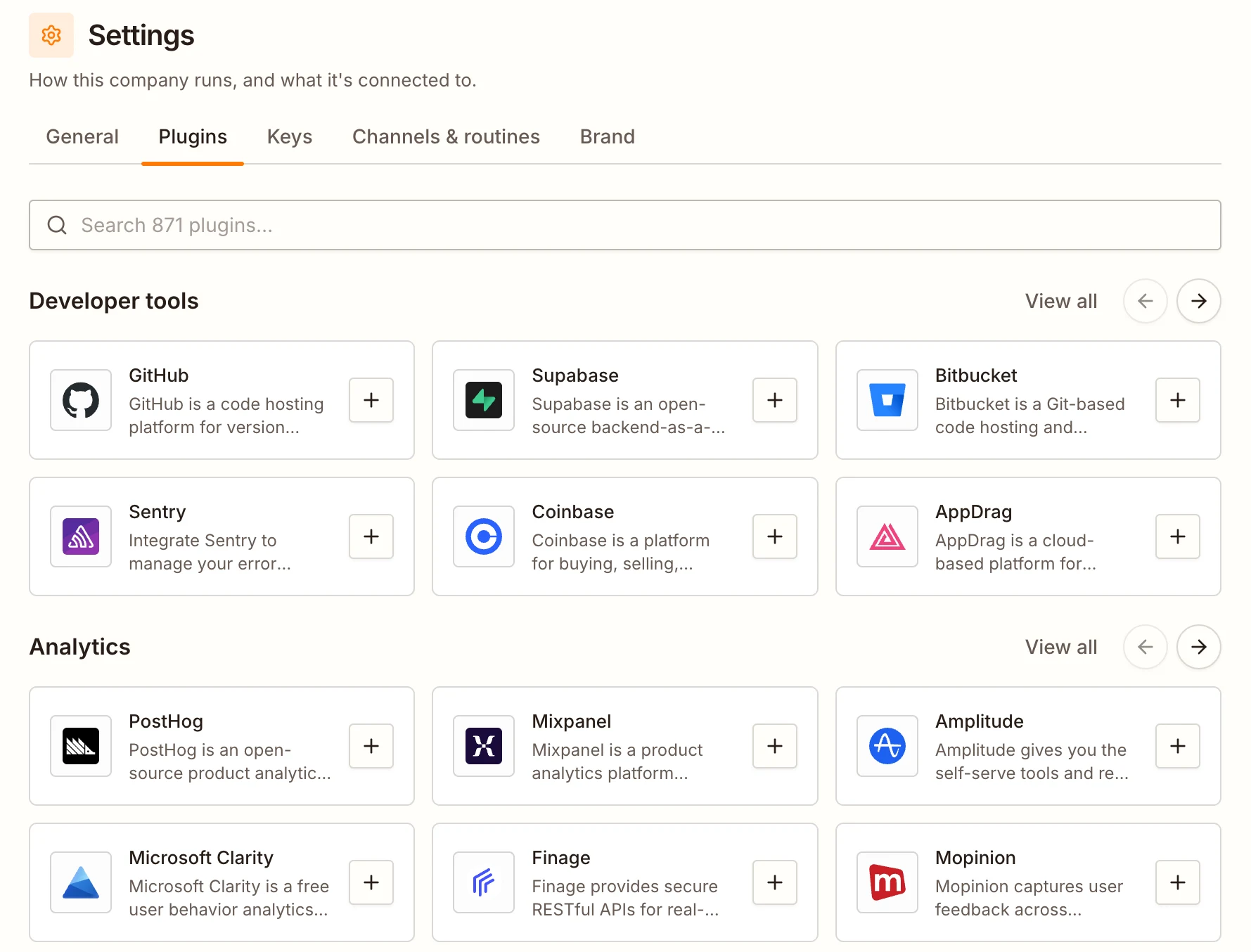
Plug in the apps you already use
Connect any of 870+ apps in a couple of clicks.
Each teammate works in the ones that fit its job: Outreach in your CRM, the Marketer in your docs and designs, the Engineer in your issue tracker. Your CEO can read them all.


- +860

- Read customer-calls.pdf, 12 pages
- Looked at whiteboard.png
- Updated the company document
- Created task: Lead the homepage with faster client handoffs
Three of the five customers asked the same thing: how fast they can get content from their clients. That’s our headline now.
I’ve asked the Product Engineer to rework the homepage around it, and the Writer will answer it on the blog this week.
Hand it what you know
Drop pictures, PDFs, Word documents or text files into any chat: call notes, a sketch, a price list, your old brand guide.
Your teammate reads them, writes down what matters and turns it into work for the team.
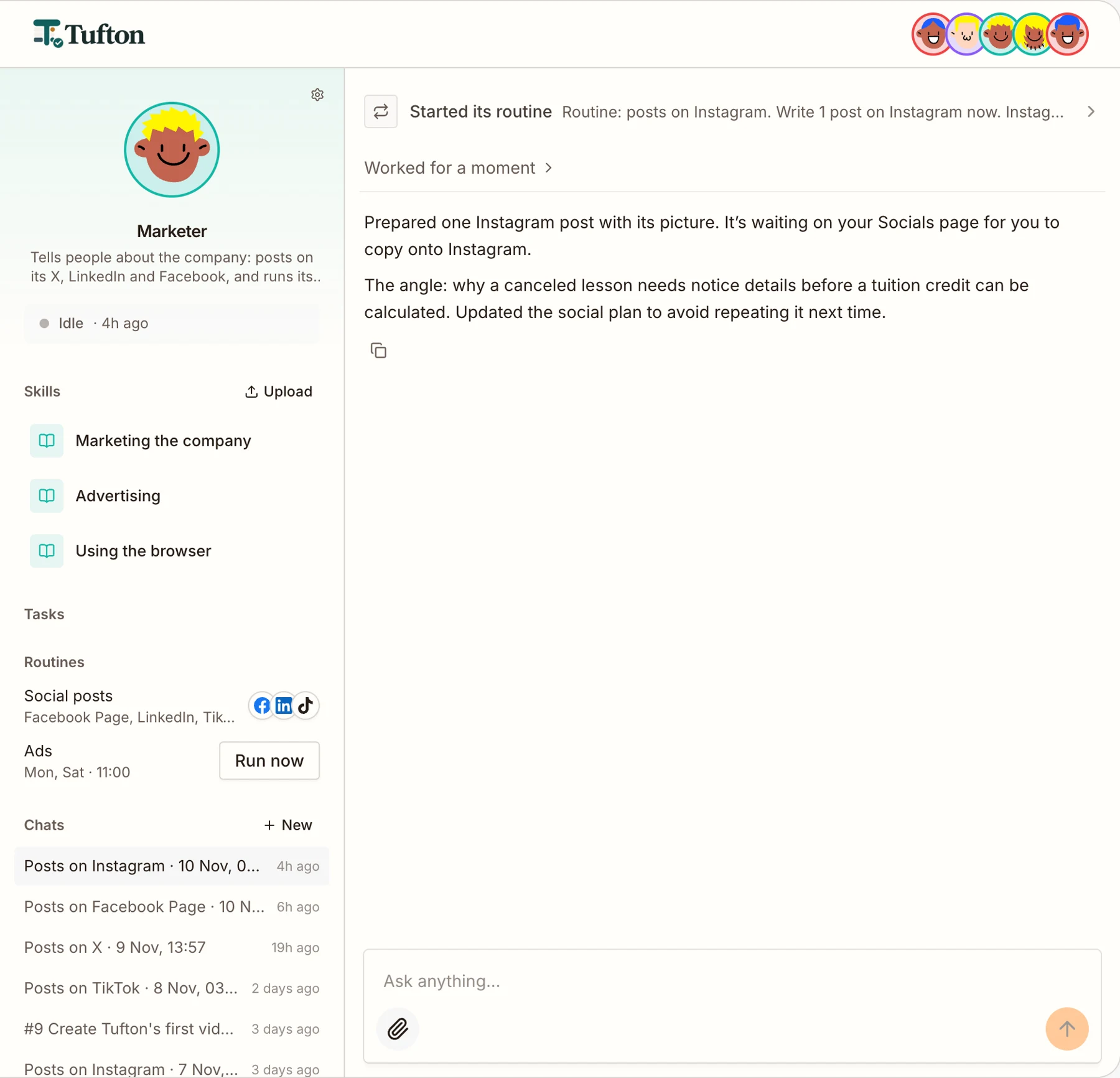

Teach each teammate new skills
Open any teammate to see the skills it works by, the routines it runs and every chat it’s had.
Upload your own playbook, like how you talk to customers or what your brand never says, and it follows it from its next run.
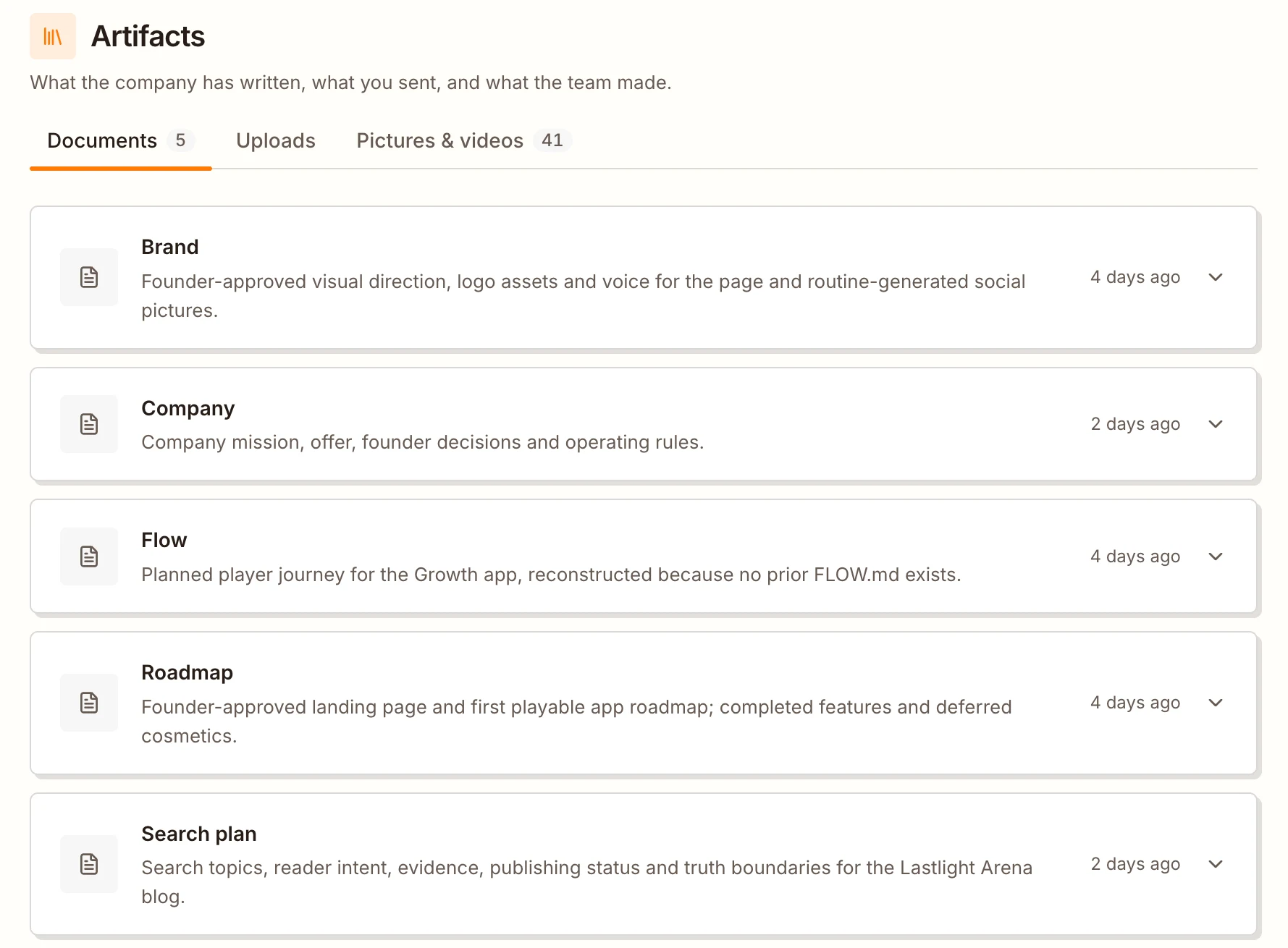

Everything it makes, in one place
The documents your company runs by, like the brand, the roadmap and the search plan, kept up to date by the team as it learns.
Every file you’ve sent, and every picture and video the team has made for posts, ads, articles and your site.
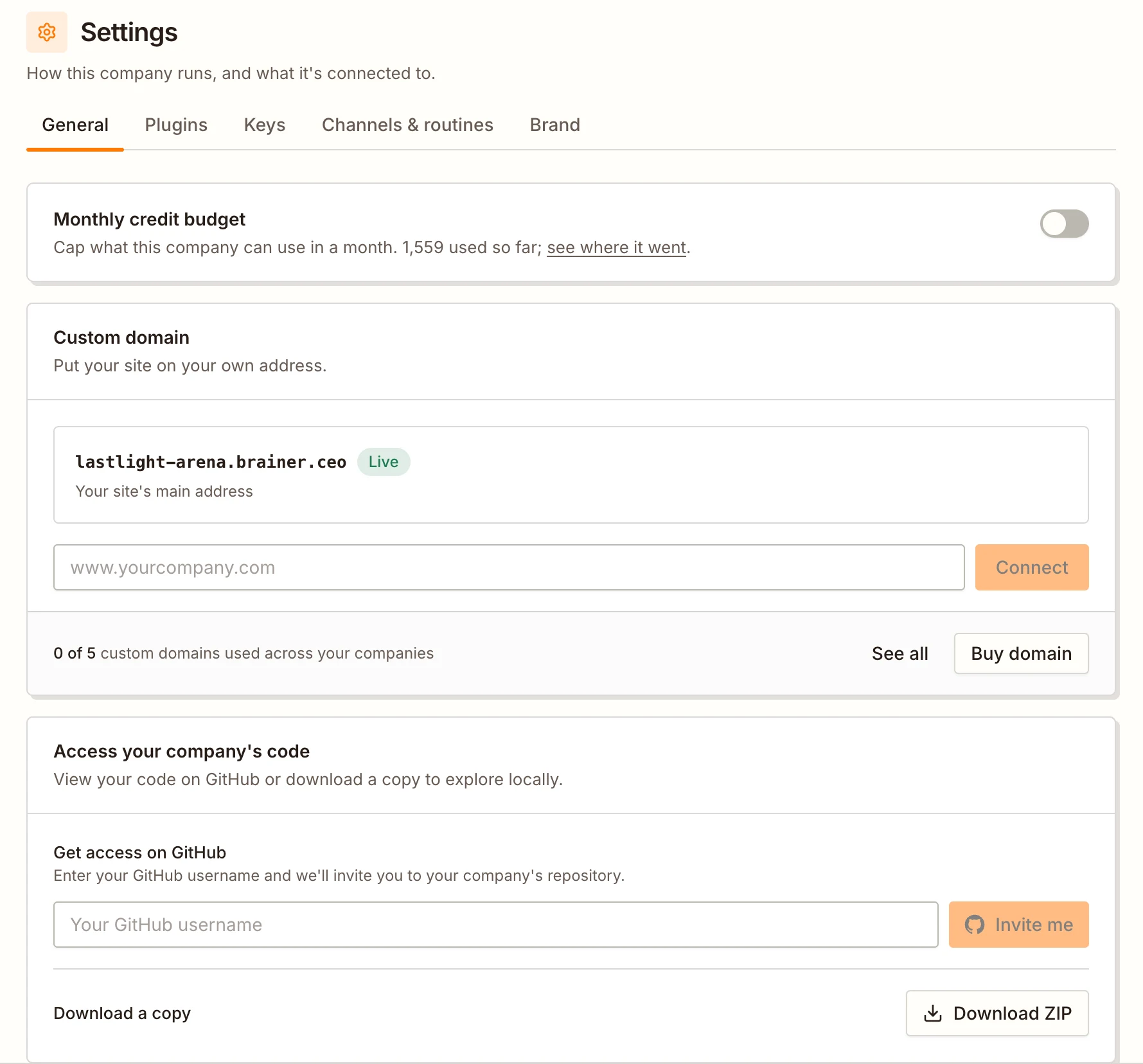
Your code and your address, always yours
Get your company’s code on GitHub or download it as a ZIP whenever you like. Already have a site? Bring its code in and the team takes it from there.
Put it on your own domain, and give each company a monthly budget so it never costs more than you planned.


 Anthropic
 OpenAI
 Google Gemini
 Claude
 GitHub Copilot
- ✓Your own key, or OpenRouter
- ✓Or the AI plan you already pay for
- ✓Every teammate thinks and writes with it
- ✓Your provider bills you, so no credits used
Run it on your own AI
Already pay for AI? On Enterprise, add your own key or sign in with your AI plan.
Your whole team runs on it, across every company, without using credits.
Built around how you already work
CRMs, docs, spreadsheets, chat, analytics and more, each used by the teammate whose job it fits.
Pictures, PDFs, Word documents and text files. Your teammate reads them when it needs to.
Add skills from the library or upload your own playbook.
Already have a Next.js site on GitHub? The team picks it up from there.
Use your own AI key or the AI plan you already pay for, on Enterprise.
Up to 3 companies on Growth, each with its own team, budget and settings.
Questions
Can a teammate delete things in my apps?
No. Teammates never get tools that delete, and your CEO can only read. Each teammate only uses the apps that fit its job.
Can I bring my existing website?
Yes, if it’s a Next.js app on GitHub. Brainer copies it once, read-only, and the Product Engineer makes it run on Brainer’s hosting without changing what visitors see. Your repository is never touched.
Can I cap what a company costs?
Yes. Give each company a monthly credit budget. At the limit its team stops until the next month, or until you raise it.
Which plan do I need for apps and my own AI plan?
Connecting apps comes with Growth. Running on your own AI key or your ChatGPT, Claude or Copilot plan, and connecting your own MCP servers, come with Enterprise.