


Your company knowledge. Your brand assets.
Your AI team works from the same understanding of your company: what you sell, who it’s for, how your brand looks and sounds, and what it has learned. Your documents, files and creative assets stay together in Artifacts.
Start your company See how company knowledge works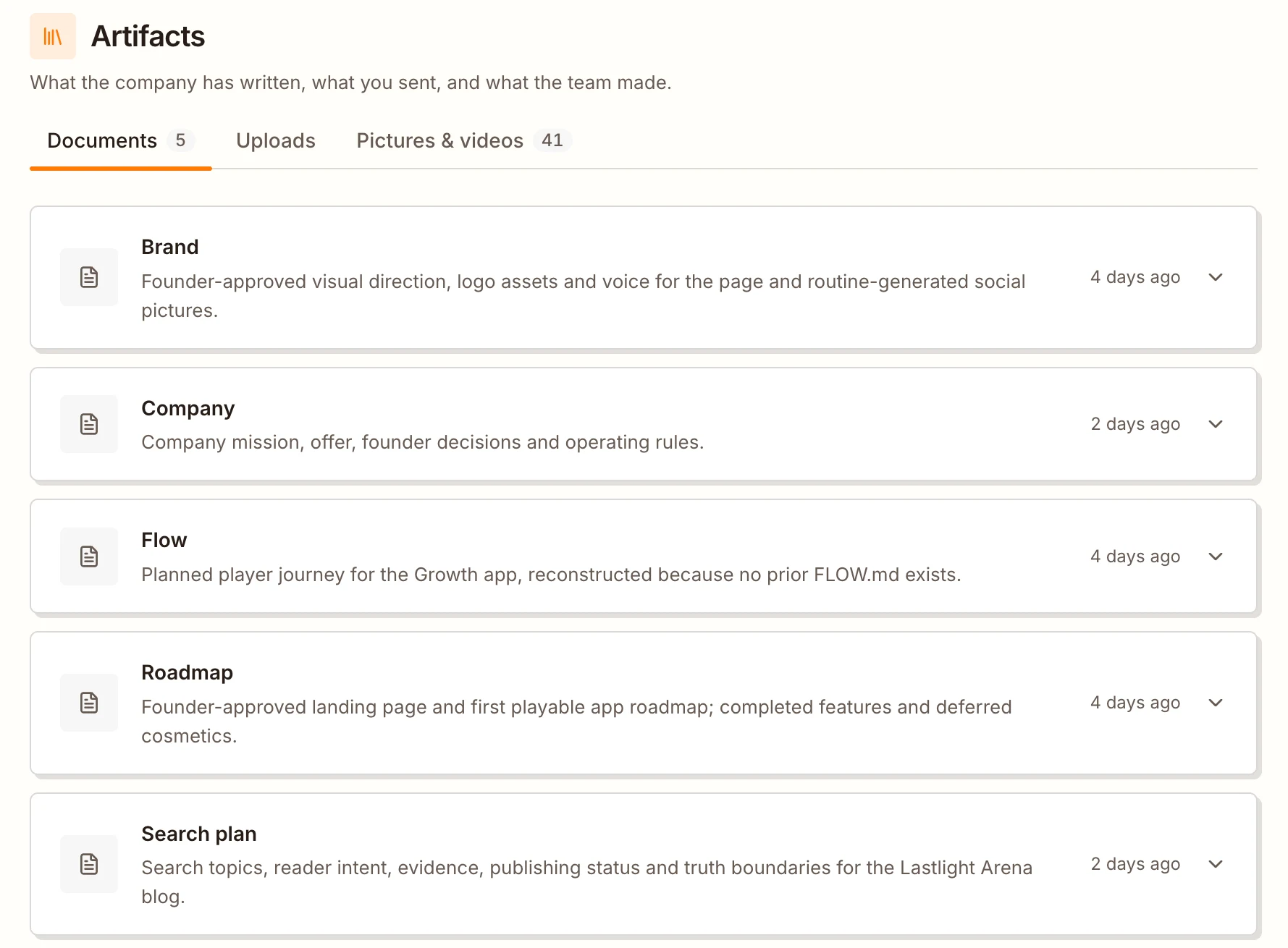
Your team knows the company behind the task
Your CEO, Marketer and Writer work from shared documents. Brand covers how you look and sound. Company explains what you do and who you serve. Flow, Research and Roadmap cover the customer journey, the market and the plan.
The team updates these documents as it works, alongside its own learnings and plans. You can read the same context your team uses, instead of briefing every teammate from scratch.
Give it the assets that make you, you
Send your logo, product photos, price list or brand guide to the CEO in chat. Ask it to use those assets on your website, in your posts or in the work you’re planning.
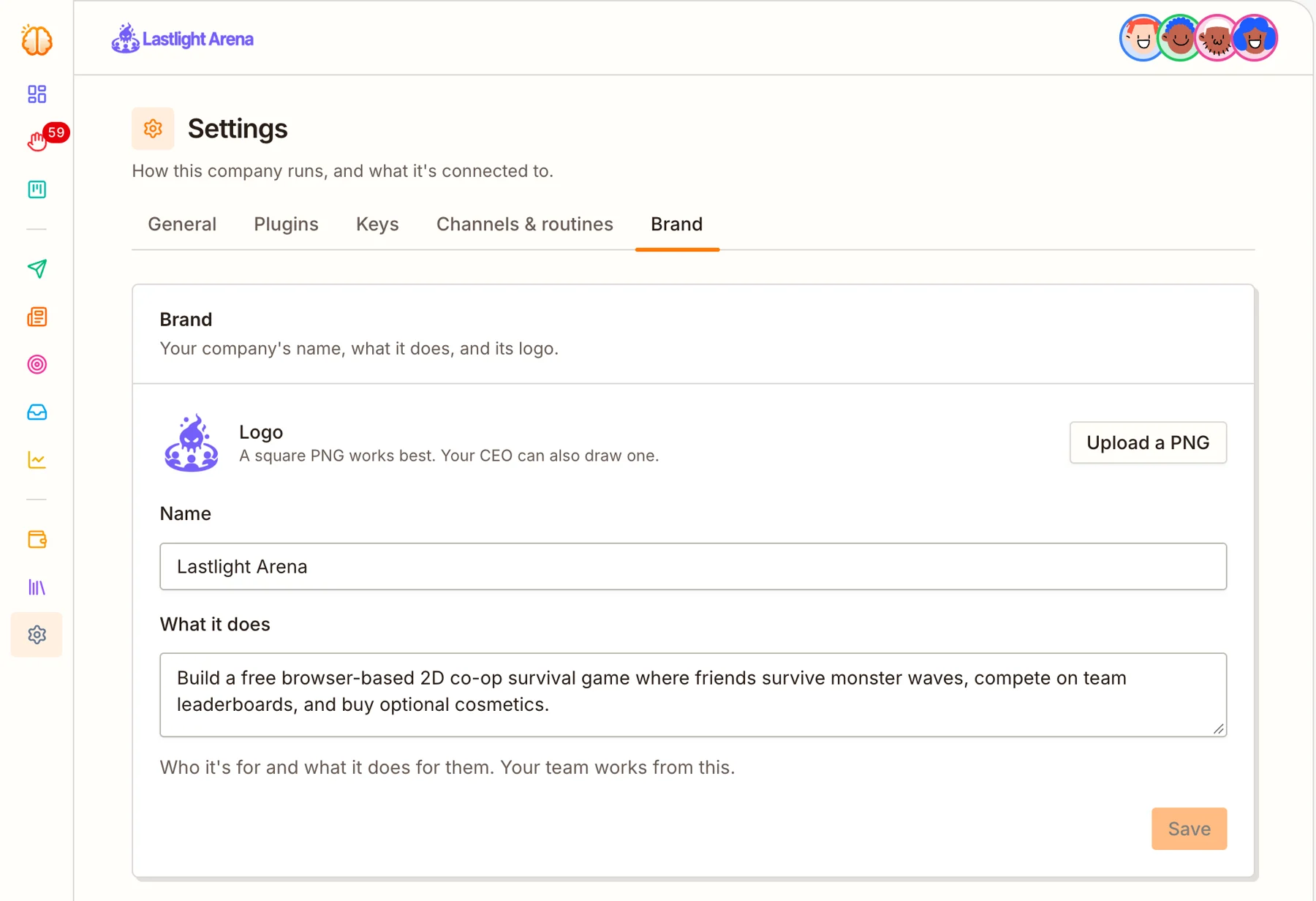
Your files are saved under Uploads. The brand document keeps the company’s look, voice and words to use or avoid available to the team.
Changed your pricing or positioning? Tell the CEO. It updates the shared document so future work follows the new direction.
What your company keeps in one place
Your voice, visual identity, audience, offer and the way your business works.
Your market, competitors, customer journey and the plan for what comes next.
Logos, product photos, guides and other files sent in chat appear under Uploads automatically.
Documents such as Ad learnings, Search plan and Social plan record what the team has tried and learned.
Find the creative work made for posts, ads and articles, with its purpose and the teammate who made it.
Ask the CEO to change a company document. The team works from the updated version.
Questions
How do I add my existing brand assets?
Use the paperclip in the CEO chat to send your files, then tell the CEO how you want them used. They appear under Uploads in Artifacts automatically.
Can I read and change what the team knows about my company?
Yes. Open Documents in Artifacts to read the company’s shared documents. They are read-only there; to correct something or change direction, ask the CEO in chat.
Can I reuse the images the team creates?
Yes. Open Pictures & videos in Artifacts, select a picture and click Download to save it. The list includes images created for your posts, ads and articles.