


Your team does the work. You make the calls.
Brainer’s team runs your company every day, but it never changes your settings, spends past your budget or prices anything on its own. Here’s how you stay in control.
Start your company

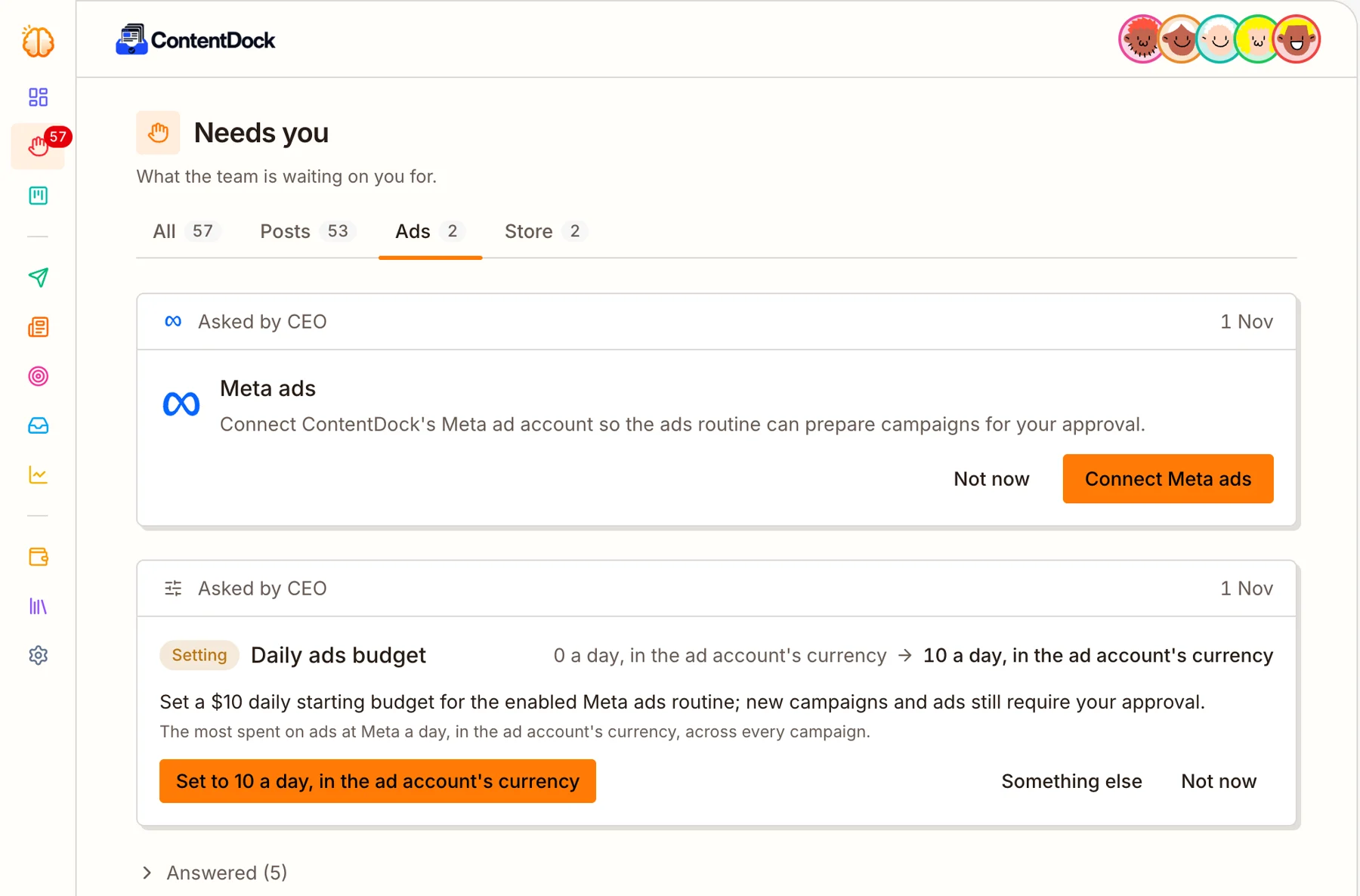
Anything important waits for you
Ad budgets, products to sell, accounts to connect, and any posts or emails you want to see first: the team asks on one page called Needs you.
Each request says what it is and why. Say yes, change it or say not now.
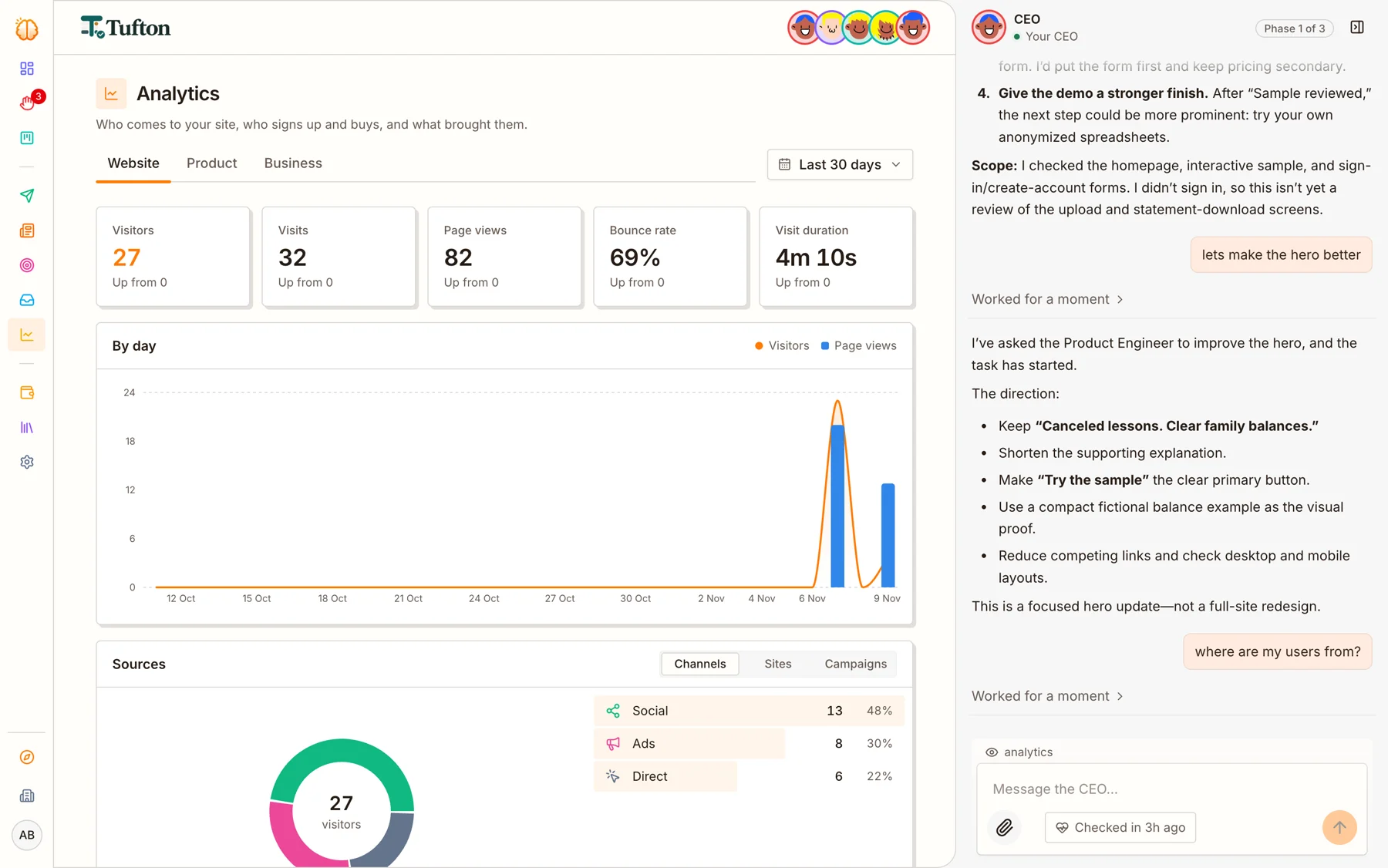
Ask your CEO anything
Where are my users from? How are the ads doing? Make the homepage better. Just ask, from any page.
It answers from your real numbers, and turns requests into work for the team.
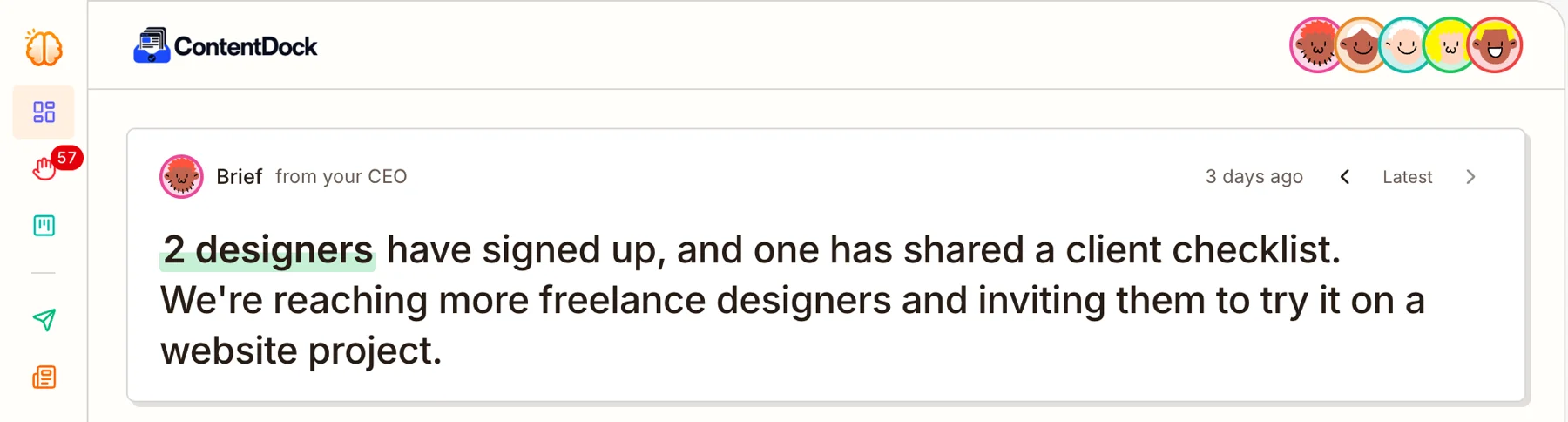
Your CEO keeps you posted
The top of your dashboard always has a short brief from your CEO: what happened, and what’s next.
It also emails you on weekday mornings and evenings when something matters, so you know without logging in.
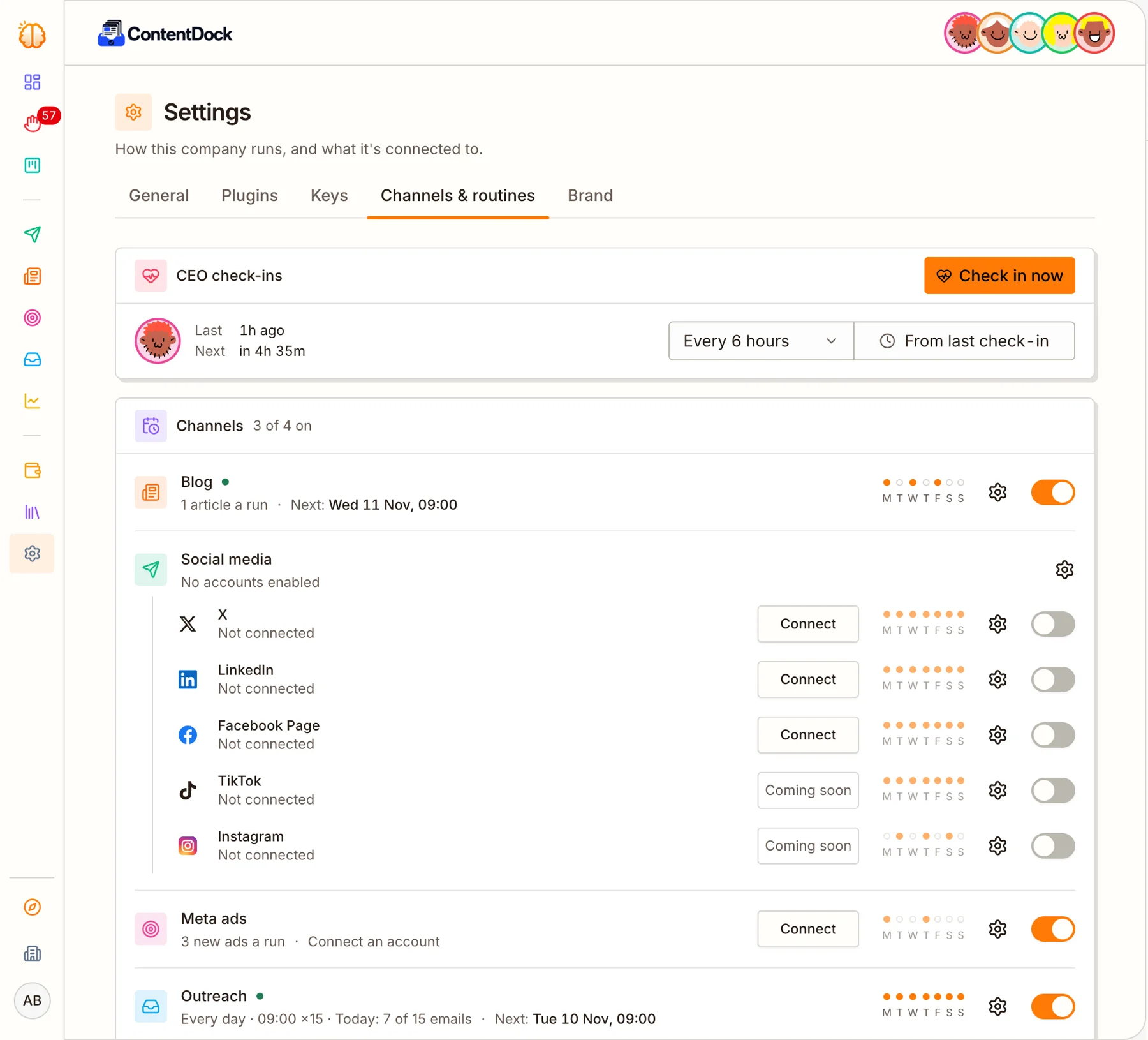
Change anything, any time
Your CEO sets up how the company runs when it starts. Every rhythm and switch stays yours: check-ins, the blog, social posts, ads and outreach.
Each one has its own days and its own switch. Turn it off, and it stops.
What the team will never do on its own
It can suggest a change. Only you can make it.
Ads stay inside the daily budget you set.
Nothing goes on sale without your yes.
Stripe, Meta, your social accounts and your domain are yours to connect.
Turn on approval and posts or emails wait for you.
A brief, a summary of what happened, and emails when something matters.
Questions
Can the AI spend my money?
Only on ads, only within the daily budget you set, and only once you’ve turned ads on.
Can I turn everything off?
Yes. Every routine has its own switch, and turning ads off pauses every campaign at once.
How often does the CEO check in?
Every 6 hours by default. Change it in Settings, or press Check in now.
Can I cap what it costs?
Yes. Each company can have a monthly credit budget. At the limit its team stops until the next month, or until you raise it. You can also pause a company.